Make spinal shape visible.
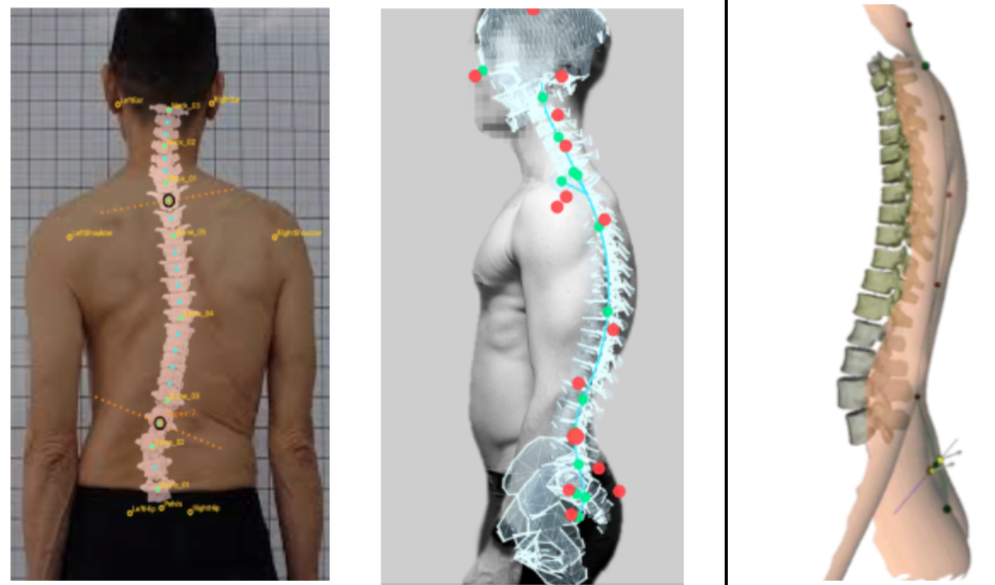
Bring landmarks and model fitting into a 3D view. Inspect the torso as connected anatomy, not a handful of body keypoints.

Motion capture · Spine analysis · Animation
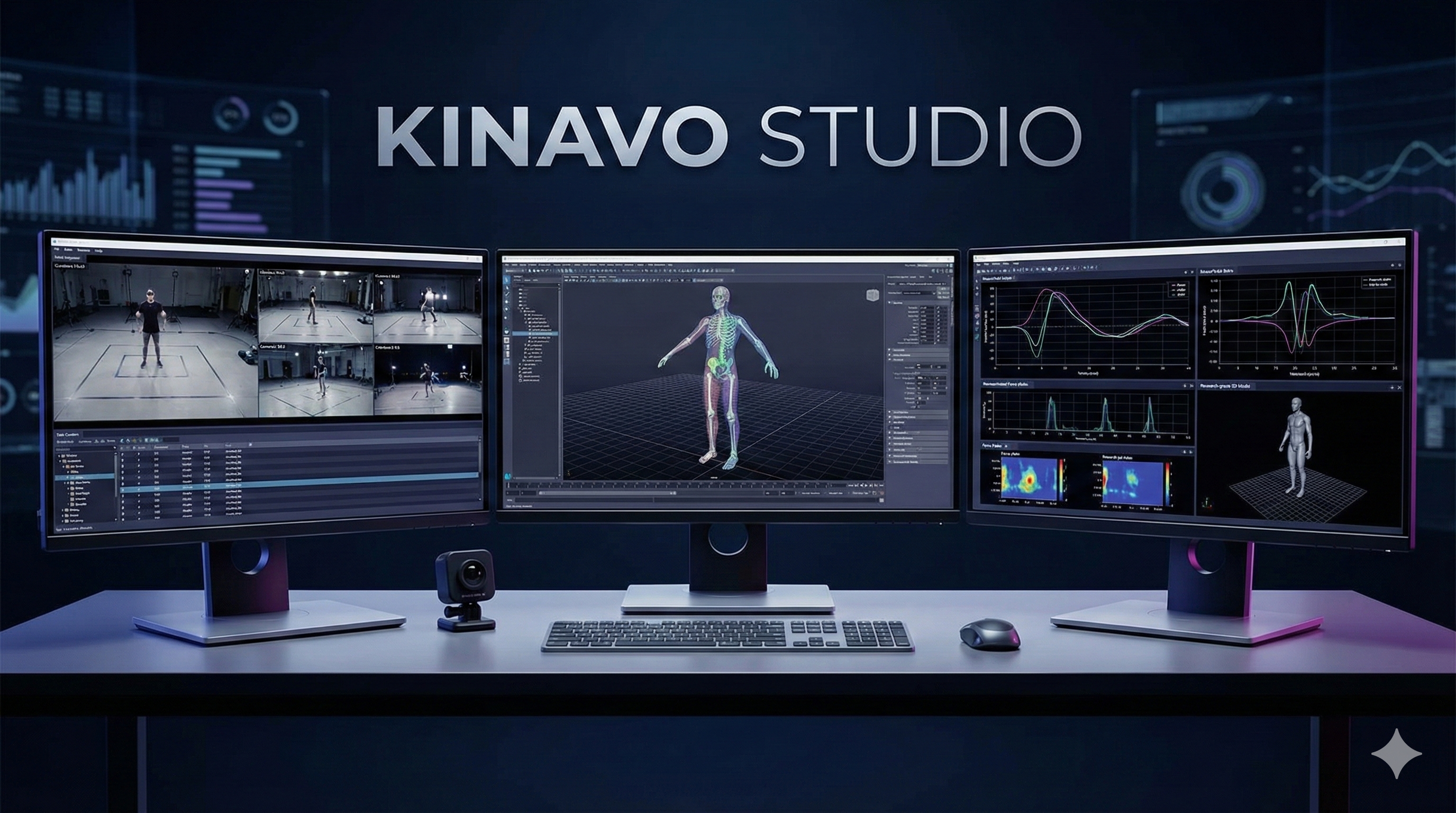
Go from cameras to motion insights and animated characters. Kinavo brings whole-body capture together with detailed spine analysis—so the torso is more than a line between the shoulders and hips.
Studio for your workflow. Pocket for your capture. Spine for the detail.
Video, cameras, and connected sensors
Pose, kinematics, and biomechanics
Analysis, visualization, and animation
Kinavo Spine / Beyond whole-body pose
A shoulder-to-hip line cannot tell the whole story. Explore spinal shape, posture and movement with a dedicated 3D analysis workspace.
Bring landmarks and model fitting into a 3D view. Inspect the torso as connected anatomy, not a handful of body keypoints.
Explore curvature, posture and measurement overlays, including Cobb-angle workflows, in a dedicated analysis environment.
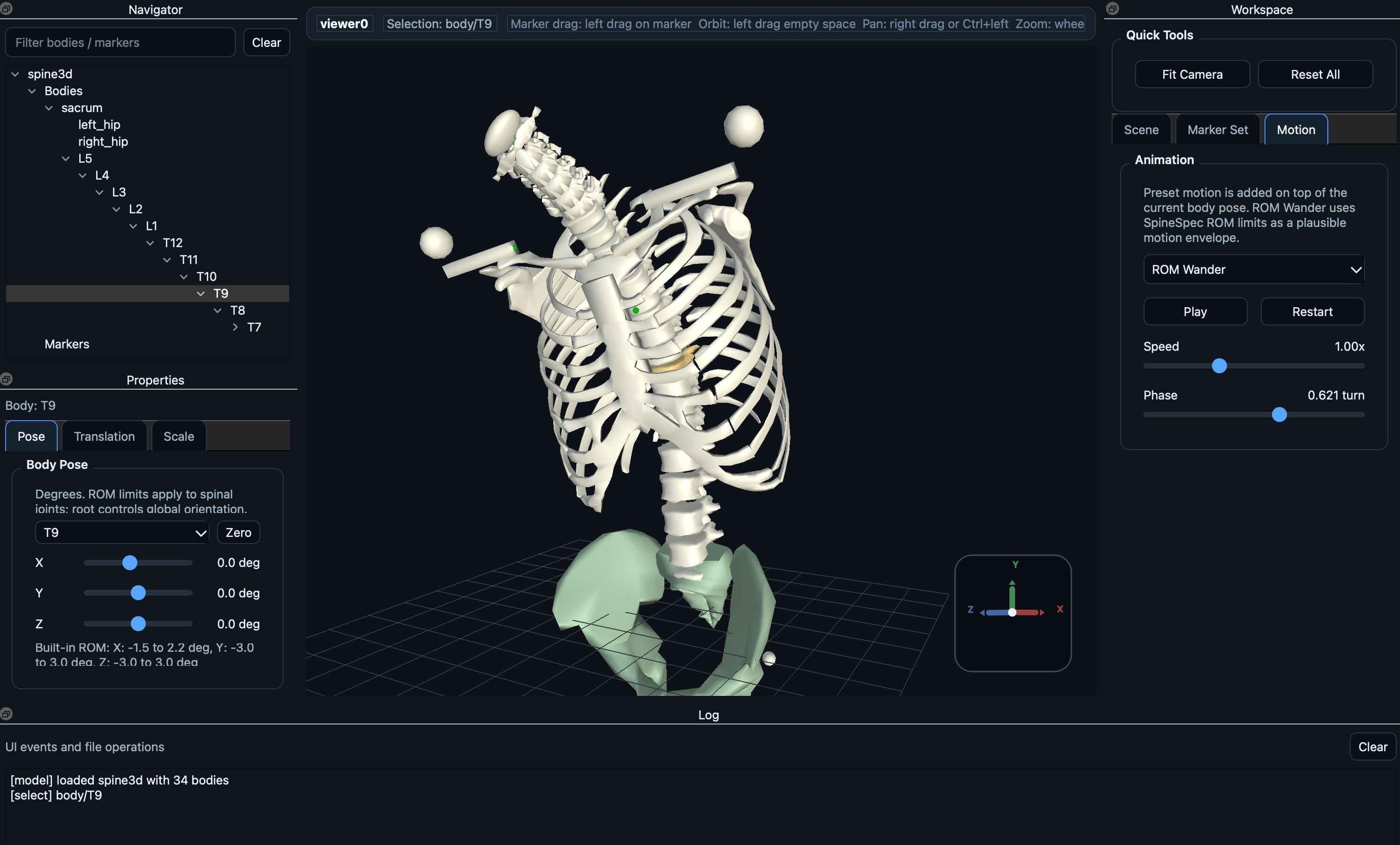
Interact with vertebral models and motion controls to understand how individual segments contribute to the larger movement.
For research and movement exploration. Not a diagnostic tool or a replacement for medical imaging or professional assessment.
Your motion toolkit
Choose your input, explore the movement, and put the result to work. Studio connects the workflow; Pocket brings it to your phone.
01 / Workbench
Turn live camera feeds, recorded video or Pocket poses into a workspace for motion capture, analysis and animation.
02 / Capture anywhere
Your phone can be the camera, the pose estimator, or your recorder in the field. Pair with Studio by QR code—or use Pocket on its own.
03 / Inference

Build your own motion tools with the PocketPose open-source inference foundation. Python and Kotlin APIs bring ONNX pose models into desktop and Android workflows.
Ask about PocketPoseKinavo LiveLink
Bring motion into Unreal Engine and Unity. Connect capture and motion playback to characters, interactive scenes and creative experiments.
Discuss your engine integration →Built around your work
From a clip on your phone to a detailed spine model or a character in your scene.
Capture a movement, inspect body pose and joint angles in Studio, and explore spine-specific questions with Spine.
Pocket → Studio + Spine
Capture or replay a performance, review the motion in Studio, and bring it into Unreal Engine or Unity with LiveLink.
Studio → LiveLink → Your engine
Record away from your desk, preview pose estimates on your phone, and bring original footage back to Studio for deeper analysis.
Pocket → Review → Studio
Good to know
Tell us what you want to capture or create. We’ll help identify the right Kinavo setup.
No. Studio includes single-camera workflows as well as calibrated multi-view capture. A single-camera 3D pose is an estimate; the right setup depends on what you need to do with the result.
Yes. Preview poses, record footage, or process a video into an annotated clip on your Android phone. Connect to Studio for desktop analysis and downstream motion workflows.
Spine focuses on the anatomy and movement within the torso: detailed 3D models, landmark-based fitting, curvature and interactive motion exploration, alongside whole-body capture in Studio.
LiveLink integrates with Unreal Engine and Unity. Tell us your engine version and character setup when requesting a demo so we can discuss the appropriate integration.
Request a demo with your capture setup and intended outcome. We’ll discuss product access and the features relevant to your workflow. Features and supported configurations vary by product.
Pocket scans Studio’s QR code for camera or pose sharing. Use a trusted private network: the current camera and pose transports are not encrypted.
Work with us
Show us what you want to capture, understand or animate. We’ll walk through the Kinavo tools that fit your cameras, your team and your output.